Supported by Q-MS
QEpy turns Quantum ESPRESSO (QE) into a programmable DFT engine. Drive SCF and beyond from Python scripts or Jupyter notebooks: inject external potentials, swap XC functionals on the fly, and integrate with ASE and DFTpy.
Control QE from Python with the Driver class: step through SCF iterations, modify density and potentials, and restart calculations without leaving your script.
Add external potentials, custom exchange–correlation functionals (via DFTpy), real-time TDDFT, and multiscale embedding: workflows that are awkward or impossible with plain QE input files alone.
Run standard QE packages from the command line: python -m qepy --pw.x -i qe.in. Almost all QE executables are supported, plus QEpy-specific tools.
QEpy wraps selected QE routines with Python bindings (via f90wrap). A thin Python layer exposes the Driver, while an embedded Fortran object (EMBED) bridges Python and the PWSCF engine.
Minor modifications to QE (e.g. electrons.f90) plus f90wrap compilation. QEpy tracks the latest QE stable release.
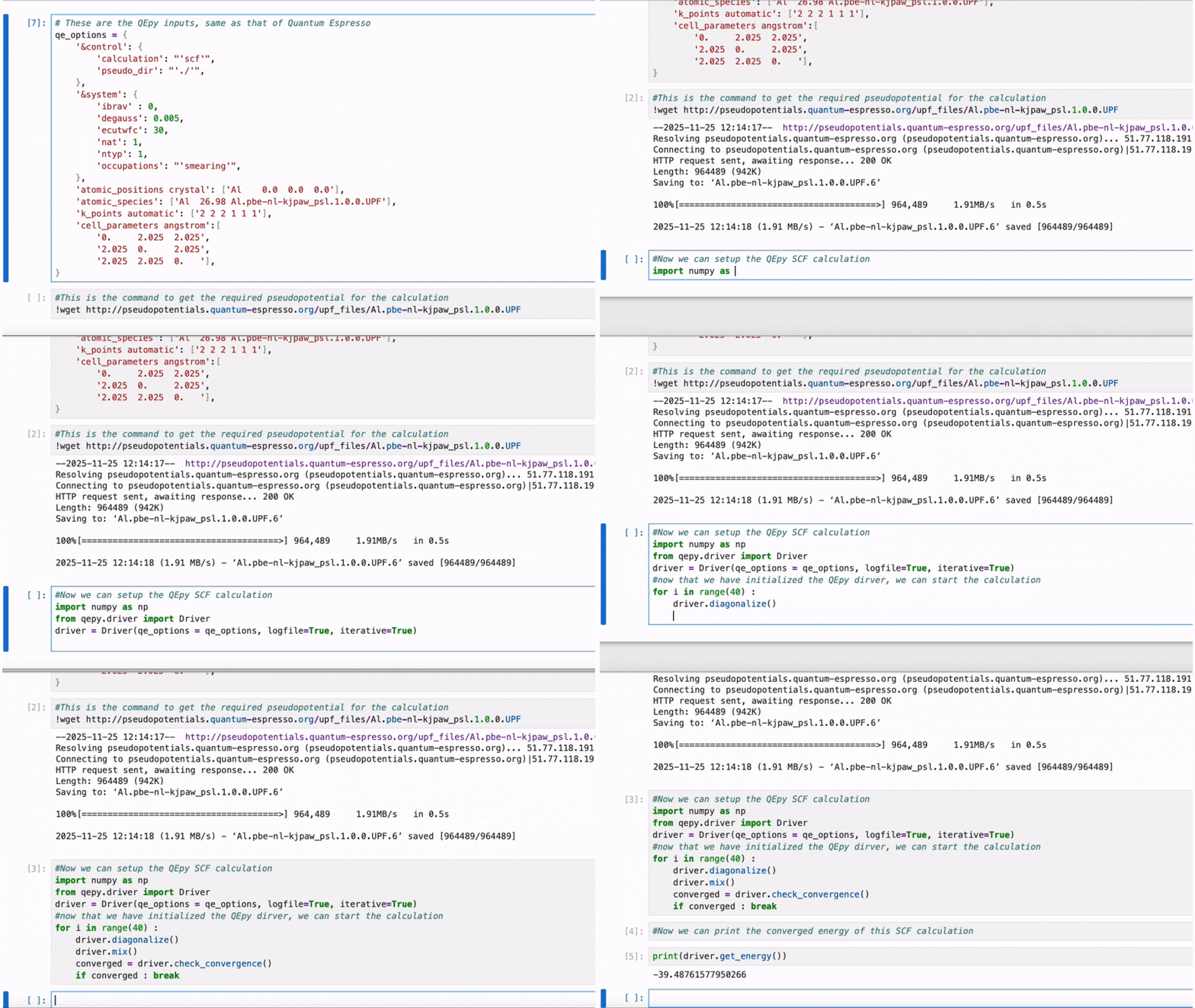
Step through SCF one iteration at a time, inspect density, inject corrections, or couple to an external model between QE calls.
from qepy import Driver
driver = Driver('si.scf.in', iterative=True)
while not driver.check_convergence():
driver.diagonalize()
driver.mix()
rho = driver.get_density()
# ... modify density or potential ...
driver.stop()
See tutorials for serial and MPI examples, Jupyter notebooks, and HPC launch instructions.
If you like QEpy, you may also enjoy DFTpy for grid-based DFT and custom XC.